 Elanorya
Jewelry AI
AI photos for your jewelry
Product photos and on-model previews for your jewelry, from your own photos.
In development
Four tools

Try on a model
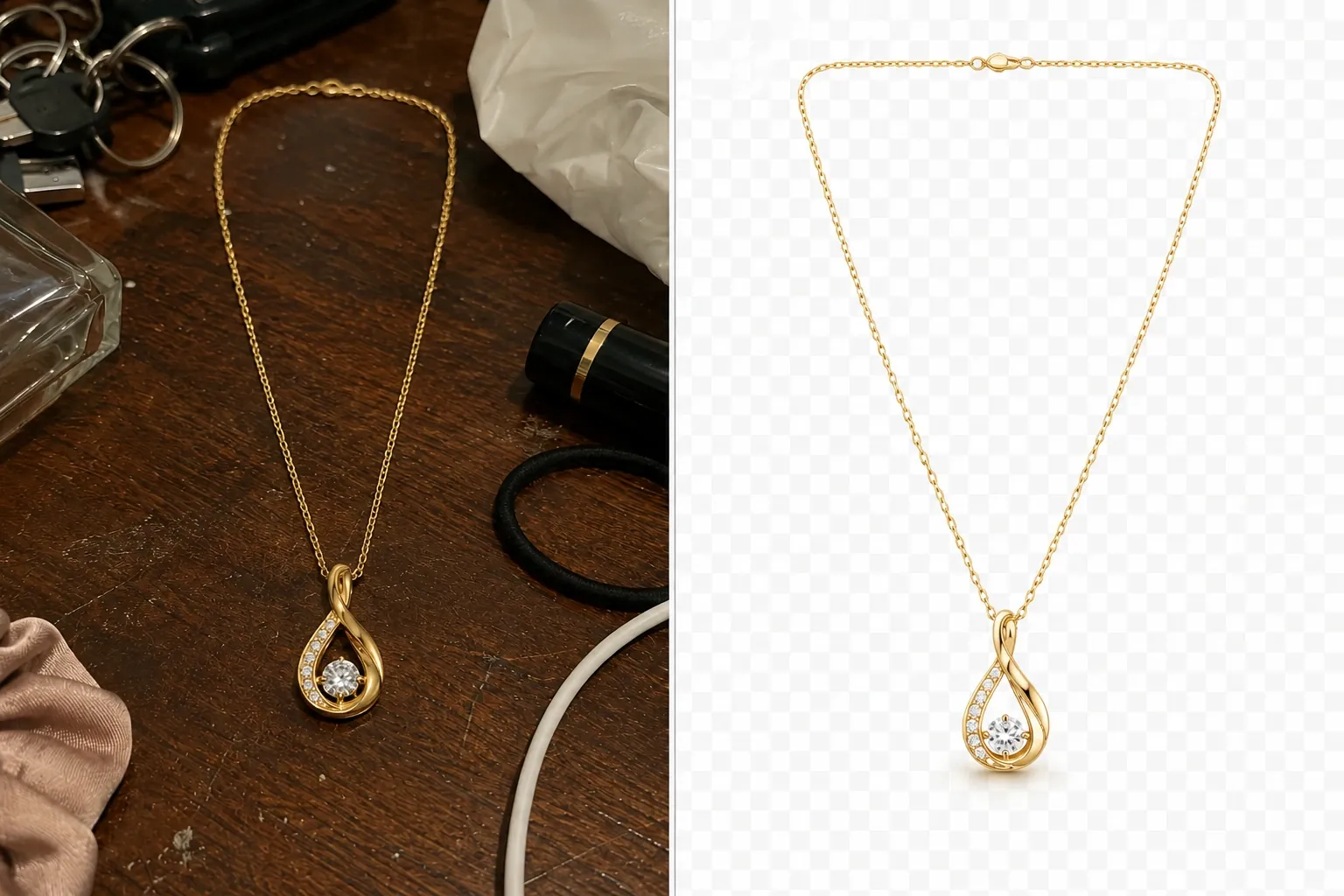
Remove background

Edit image
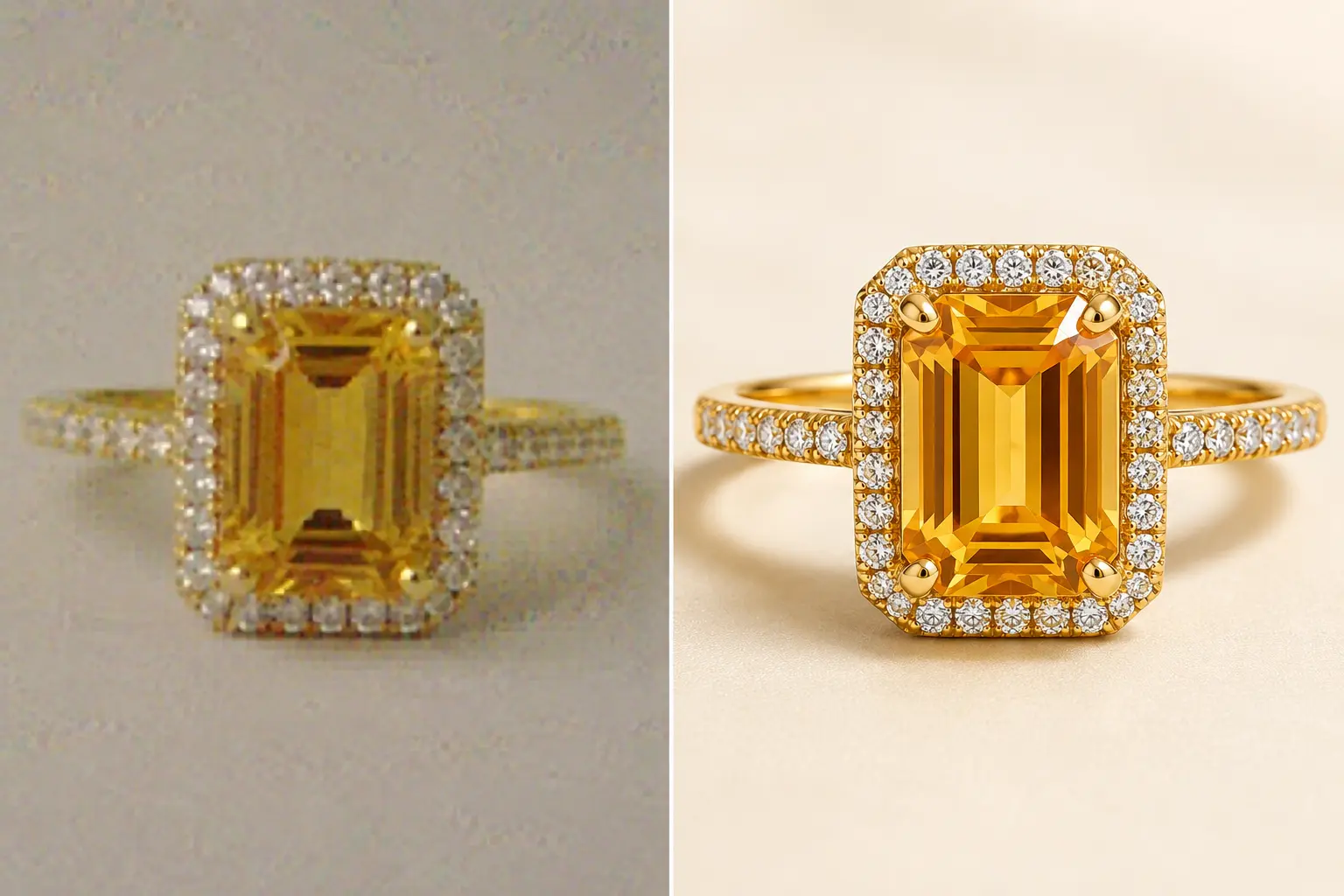
Upscale
Built for
- Rings
- Necklaces
- Earrings
- Bracelets
How credits work
Each creation uses credits. You can buy credit packs or subscribe to a plan that refreshes credits every month.
Prices are shown in your store's local currency by the App Store or Google Play.
If a creation fails and no usable result is delivered, your credits are returned. Results you can open in your library count as delivered.
AI providers
Depending on the tool you choose, the input image, your editing instructions and the generation settings are sent out to produce the result you asked for: model try-on and image editing go to APIMart, which passes the request to the Google Gemini model, and upscaling and background removal go to Replicate. The app shows a short notice before you submit.
What you should know
- Results are generated by AI and are clearly labelled as such in the app.
- Output varies. Lighting, angle and image quality of your source photo affect the result.
- You keep the rights to the photos you upload. You confirm you are allowed to use them.
- Your uploads are not used to train models without your separate, explicit consent.
- You can report any result from inside the app.
- Jewelry AI is intended for people aged 18 and over and is not directed to children.
Availability


Go deeper
By what you sell
A loose stone has no body region
On-model placement in this app is written per wearable category, and each category is bound to a place on the body.
Selling sized pieces when the frame cannot carry the size
An on-model result shows how a piece sits, not how large it is: the body region is instructed by category, and close framing is instructed for rings and bracelets only.
Why a mixed catalogue comes back at different scales
Rings and bracelets are the only categories instructed to be framed closely, and every category is aimed at a different body region.
For vintage sellers
When the wear is the price basis, a tool that improves the picture deletes the description — what the preservation instruction actually promises, and what it does not.
Ring photos
Rings on a hand, and the things that actually break: shank foreshortening, prong loss, stone count and scale.
Earring photos
The only category that is normally two objects and normally seen as one — and what that means for a pair that has to survive being half invisible.
Necklace photos
Chain, clasp and drop length on a body — plus the thing no other category has to think about: the garment is in the frame every time.
Bracelet photos
A bracelet is loose on a wrist, and loose things rotate. Which face meets the camera is a decision, not an accident.
The tools
Marketplace rules
Photos, models and results
- Enhance runs on the server's values, not on a setting you pick
- Help appears only where a card exists for the step you are standing on
- A catalogue model reaches the phone as nine fields, and none of them is a name
- An empty model grid is a match result, not a fault
- One answer prepares both the grid photo and the zoom
- Your model photo is uploaded at the pick, not at Next
- Who decides where the jewelry sits on the model
- The app cannot get your photo: access, or the file itself
- What actually leaves your phone when you submit a generation
- Why your result comes back in a different shape
- What 4x enhancement does to the file you send
- The model photograph has to clear a higher floor than the jewelry
- Which image files the app accepts, and why a photo can be refused
- Using your own model photo instead of a catalogue model
- Your jewelry image is still generating
Library and collections
- Your home screen keeps the five newest jobs and hides none of them
- The same image in two collections, without a second copy
- Nothing in a collection is arranged by hand
- Deleting a collection does not delete the images inside it
- Tapping a tab keeps your category, tool and date filters
- 'Select All' takes what is loaded, not what matches
- Undo is on the card in the Deleted tab
- An image address here is signed on request, and it expires
- Deleting a result starts a thirty-day clock
Credits and purchases
- The app will not confirm credits it cannot see on the server
- A restore that reports success has only reported that the call did not fail
- An empty screen after the payment sheet is reporting a cancellation
- A placeholder stands where the price should be
- Cancelling a plan does not reclaim the credit you already hold
- The store's notice is a lookup key, not the authority on what you receive
- Why a refund can be missing from your credit history
- When exactly your credit is spent
Account and sign-in
- Without a session, only the sign-in screens and the legal texts will open
- Submitting the registration form hands you to verification, not into a session
- An unverified address stops spending, not browsing
- A password is stored exactly as you typed it, spaces included
- Signing out on this phone is also a cleanup of this phone
- Account deletion ends on the welcome screen, without a separate sign-out
Language and legal texts
- The language you choose is kept by the device that made the choice
- The app reads your phone's whole language list before it settles on English
- A change of writing direction is the only language change that restarts the app
- A build you can install has no half-translated screen
- Your country does not select the documents you are shown
- The app holds you on one screen until you accept the updated terms
- The legal links hand you to your browser, and to one of two languages
- Tapping accept is the consent, and the first record of it stays as written
- The only legal version the server accepts is the one in its own build
When something goes wrong
- The home screen reports an outage in one section and not in the others
- Your library looks empty: what that screen can and cannot tell you
- The failure sentence classifies the error, it does not diagnose your photo
- Why a failed run is never tried again on its own
- Why the tool list can change without an app update
- Reporting a result opens a review, not a refund
- Why the app won't start your generation