 Elanorya
For Shopify stores
Jewelry photos for a Shopify catalogue
On Shopify your products are seen together, in a grid, at the same size. That changes what a good photo is: consistency starts to matter as much as quality.
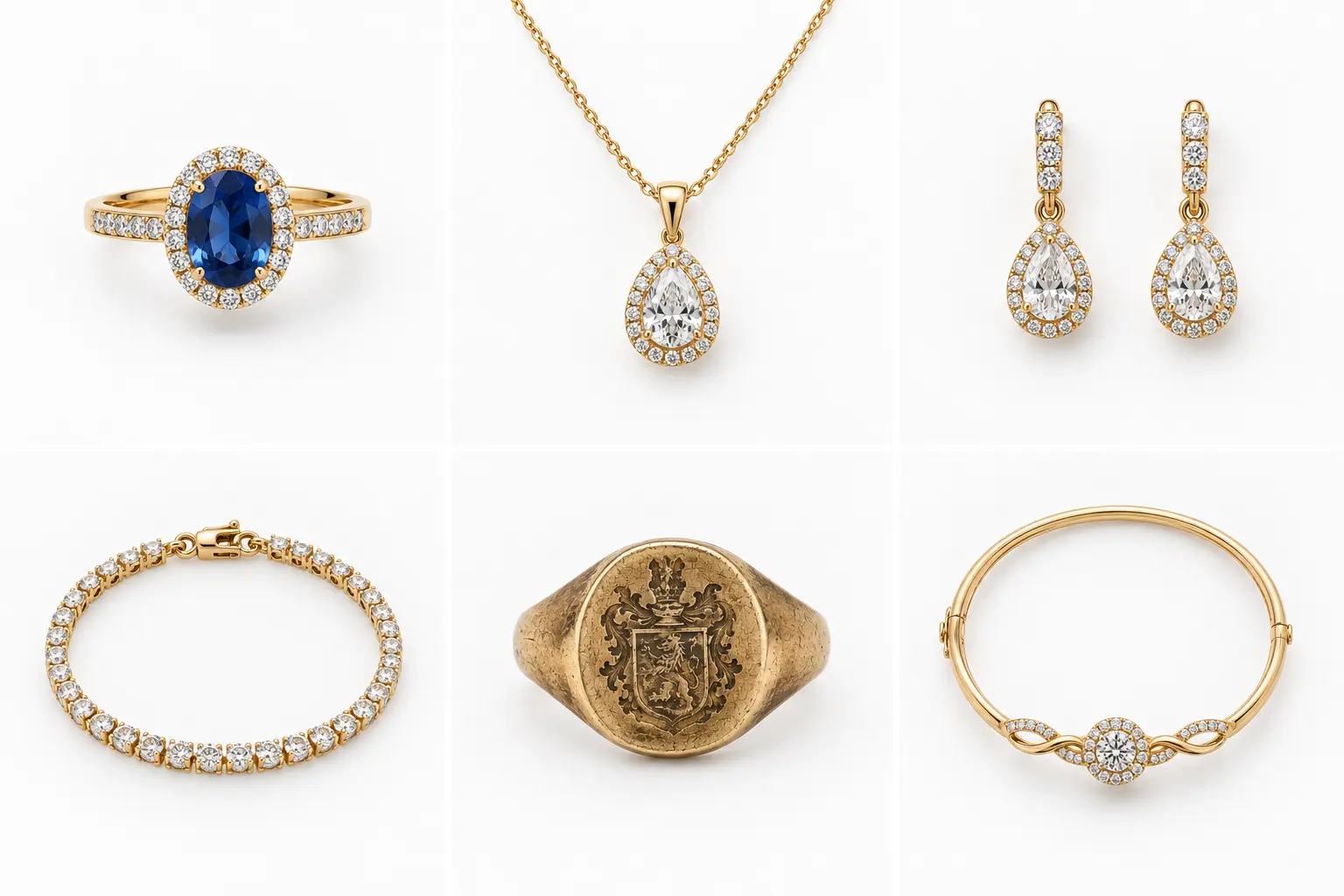
A collection page is a comparison
On a marketplace, a buyer usually arrives at one listing. On your own Shopify store they arrive at a collection page, which shows your products next to each other at identical tile sizes. That is a comparison view, and it judges your photos against each other rather than against some external standard.
This is why a shop with twelve merely-decent photos that agree with one another usually looks better than a shop with twelve good photos that do not. The eye reads the pattern first and the individual image second.
Jewelry makes this harder than most categories, because the natural proportions of the pieces are so different. A pair of stud earrings and a 60 cm chain do not want the same frame. Choosing one frame anyway — and padding rather than cropping — is what keeps the grid calm.
What a collection grid actually judges
Both rows below contain the same number of products at the same tile size. Only one of them reads as a shop.
Inconsistent row
Each tile is defensible on its own — correct exposure, clean subject. Together they read as unfinished, because the eye compares the pattern before it looks at any single image.
Consistent row
Same crop ratio, same subject scale, same centre line, same background. Nothing here is a better photograph than the row above; the difference is entirely in what is shared.
Shopify's own image rules
Taken from Shopify's documentation rather than from another blog. Every number here comes from a single shared module, so it cannot drift between pages.
| Rule | Value | Type |
|---|---|---|
| Maximum file size | under 20 MB | Required |
| Maximum dimensions | 5000 x 5000 px (25 megapixels) | Required |
| Recommended square size | 2048 x 2048 px | Recommended |
| Aspect ratio across a collection | keep it identical | Recommended |
| Accepted formats | PNG and JPEG are the best options | Good to know |
Catalogue consistency checklist
Run this once for the collection, then once for every product you add later.
- Every featured image uses the same aspect ratio.
- Every featured image uses the same background.
- Pieces occupy a similar proportion of the frame, regardless of their real size.
- Long pieces are padded rather than cropped, so their whole shape survives.
- Metal colour reads the same across the collection — check gold pieces side by side.
- No image exceeds 20 MB, 5000 x 5000 px or 25 megapixels.
- The background and framing decisions are written down somewhere you will find them in six months.
Questions
Does Jewelry AI connect to my Shopify store?
No. It is a mobile app with no Shopify integration — no app listing, no widget, no API. You export the images and upload them yourself.
What aspect ratio should I choose?
Square is the safest default because it suits grids and most themes, and Shopify recommends 2048 x 2048 px for square product images. What matters more than the specific choice is applying the same one everywhere.
Should I crop or pad to reach that ratio?
Pad, for jewelry. Cropping a long necklace to square removes the necklace. Padding keeps the piece intact and keeps the grid aligned.
Why were my images downsized on upload?
Shopify caps images at 5000 x 5000 px or 25 megapixels, and files must be under 20 MB. A full-resolution camera export can exceed the megapixel ceiling even at a modest file size.
Can I process my whole collection at once?
Not in the app — each image is handled individually, with no batch or folder import. For pure resizing, the free browser resizer handles one file at a time without uploading anything.