 Elanorya
Feature
See a piece on a model without booking one
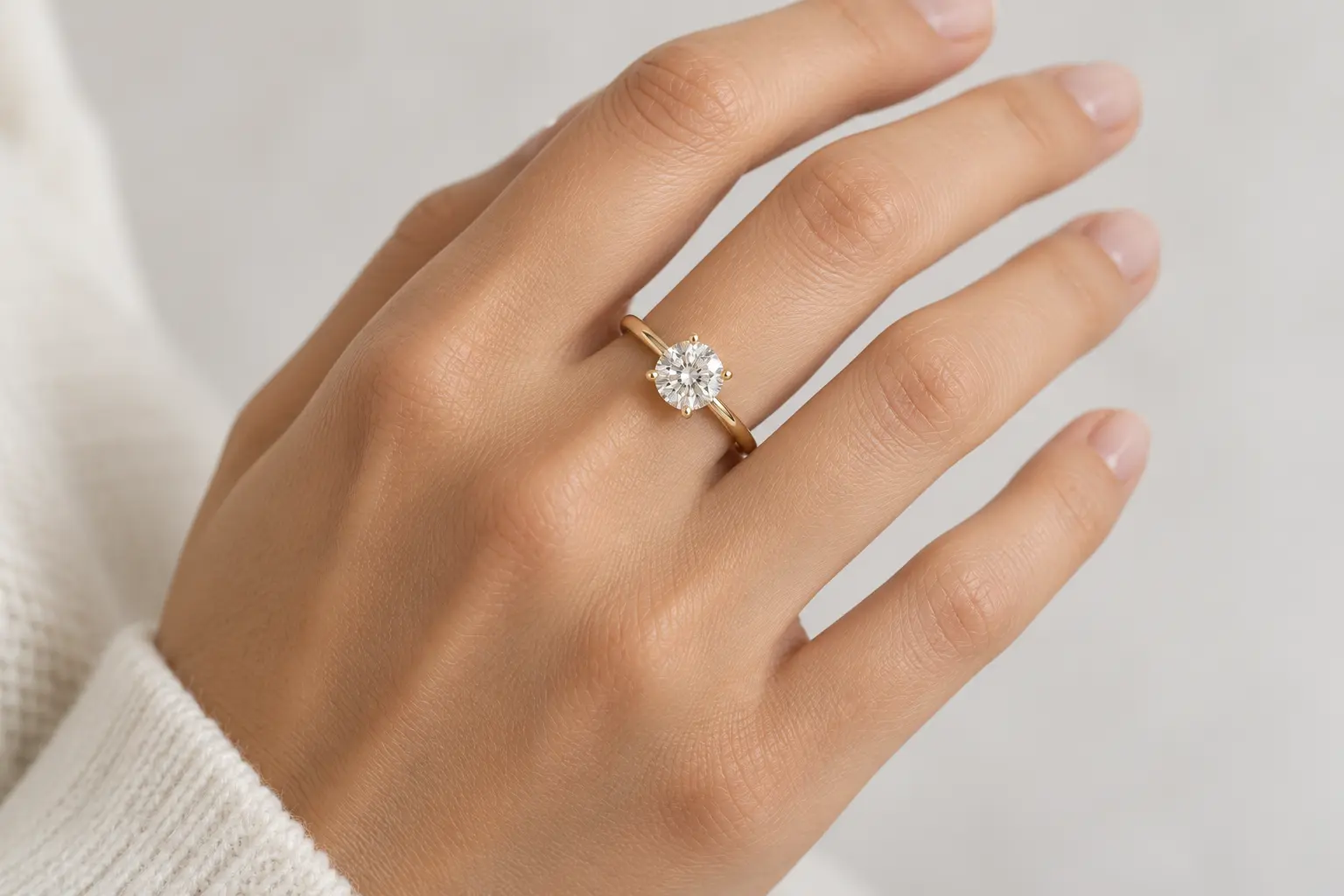
Pick a model photograph, add your product photo, and the piece is placed where that piece is worn. Everything else in the frame is meant to stay exactly as it was.
What to check on every result
Preservation is instructed rather than guaranteed, so a short verification routine is part of the workflow rather than an optional extra.
Item count on paired pieces
A pair must still be a pair. Earrings are where this matters most and where it is easiest to miss.
Stone count
Count against your source. The app ships a report reason for a wrong count, which tells you it is a real failure mode.
Metal colour
Compare side by side with the source. Rose, yellow and warm-lit white gold are the easiest trio to confuse.
Apparent scale
If the piece reads too large or small, the framing of your product photo and the model photo were mismatched.
Placement plausibility
The piece should sit where that piece sits — and cast contact and shadow accordingly, not float.
The rest of the photograph
Pose, clothing, background and lighting are meant to be untouched. If they changed, the result is not the one to publish.
How a result is produced
Two images in
The model photograph is the base. Your product photograph is the authoritative reference for the piece itself.
Only the jewelry moves
The instruction is to preserve the person, pose, clothing, background, lighting and camera angle, and to transfer only the piece into that scene.
Placed where it is worn
Ring finger, wrist, neck and upper chest, or visible earlobe — with realistic scale, contact, occlusion and shadow.
One image out
At 1K, at the supported shape nearest to the model photograph's. Resize afterwards if a listing needs a different shape.
What this does not do
Written plainly because the gap between a capability and its assumed version is where disappointed expectations live.
- You cannot position the piece by hand. Placement is automatic; the manual step was removed because it produced the same output while implying control that was not there.
- You cannot pick the output aspect ratio. The model photograph is measured and its ratio is rounded to the nearest of five fixed frames, so an unusual shape lands on a neighbouring one rather than being carried through unchanged.
- It does not process a collection. One result per run.
- It does not invent detail your product photo never captured.
- It does not guarantee preservation — it is instructed to preserve, which is why the verification list above exists.
- Model photographs are referenced by number, never by a person's name. There is no named-talent catalogue and no likeness is offered as an endorsement.
Questions
Can I choose exactly where the piece sits?
No. Placement is automatic and anatomical. A manual placement step existed and was removed: the active provider treated the coordinate as a hint rather than an instruction, so it produced the same result as automatic while implying control that was not real.
Can I use my own model photo?
Yes. You can upload your own photograph as the base instead of choosing from the catalogue, and the same preservation rules apply to it.
Why can I only filter for close-ups on rings and bracelets?
Because a necklace or an earring needs the neck or ear in frame to read at all. A ring does not, so a close-up is genuinely useful there and only there.
What size is the result?
1K, in whichever of five fixed frames sits closest to the model photograph's own ratio. If your listing needs a square image, resize afterwards — the free resizer does it in your browser.
Will the model's face or clothing change?
They are not supposed to. The instruction is to preserve identity, pose, anatomy, clothing, lighting, background, camera angle and framing, and to change only the jewelry. If something else moved, that result is not the one to publish.
Does it work for a pair of earrings?
The instruction explicitly covers whether the reference is a single item or a pair. Check it on the output — item count is one of the four things worth verifying every time.